LifeOS
You already have the data. This tells you what to do with it.
- Who it's for
- Adults already wearing a tracker — Apple Watch, Oura, Whoop — who have years of accumulated health data and no idea what to actually do differently tomorrow.
- The problem it solves
- Wearables produce charts, not decisions. Steps, heart rate, HRV and sleep pile up month after month while the only question that matters — what should I change this week? — goes unanswered. So nothing changes, and the data becomes another thing to feel guilty about.
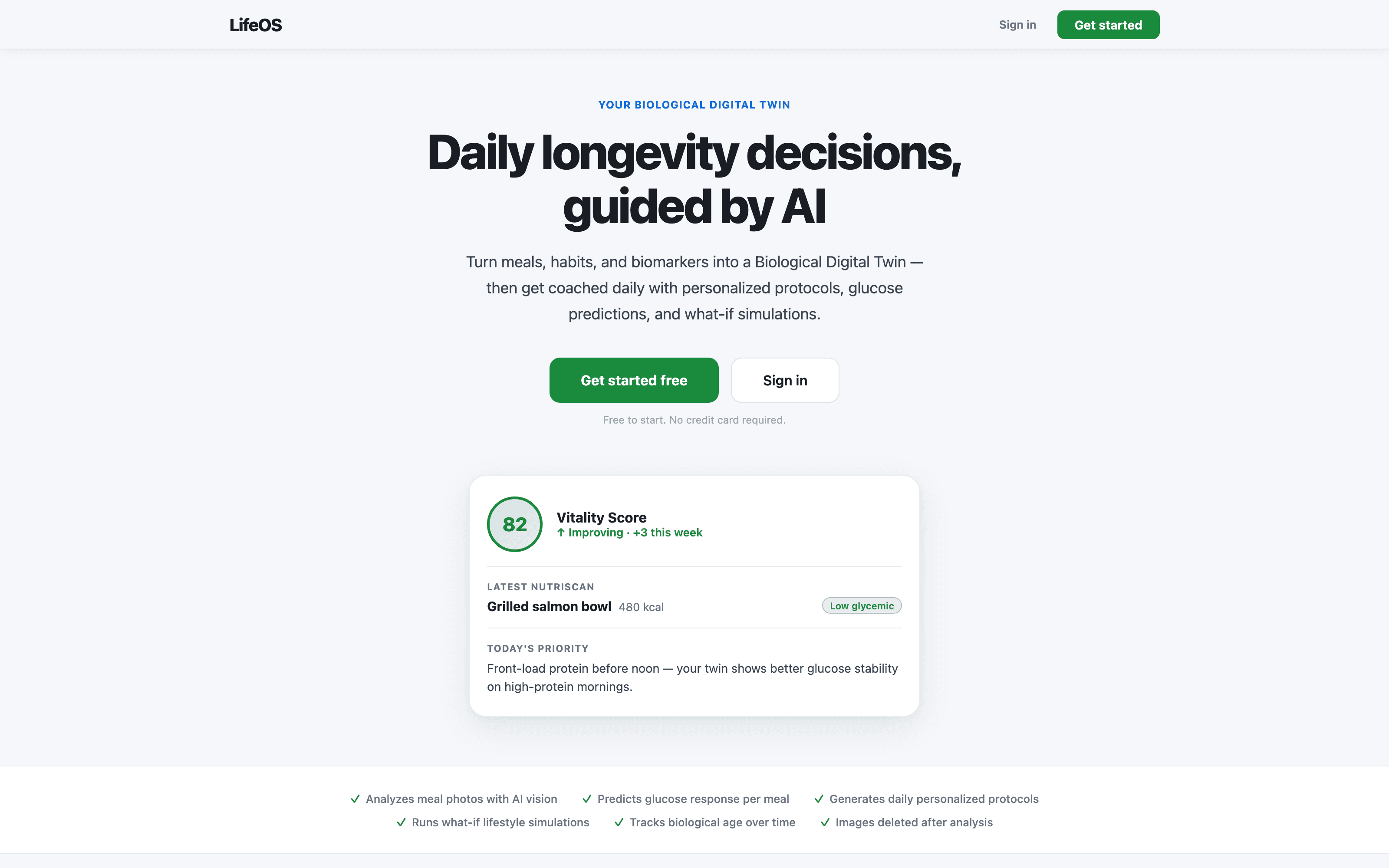
A personal health operating system for people who already track and still don't know what to do. NutriScan reads a photo of a meal and returns nutrition quality and longevity impact. The What-If Simulator projects how better sleep or more movement compounds over 30 days. Life Stack turns your biometrics into specific nutrition, exercise, and recovery actions, and Weekly Intelligence summarises what actually moved. Non-diagnostic by design — it coaches, it does not treat.
Latest release 1.0·July 20, 2026
What it does
LifeOS builds a Biological Digital Twin from your wearables, labs, and daily habits, then turns it into a single Vitality Score, a photo-based meal check, and 30-day what-if simulations of the habits you're considering.
Why it's different
- One Vitality Score instead of six competing dashboards
- Photo-based meal coaching — no weighing, no logging by hand
- Simulates a habit change before you commit 30 days to it
Core capabilities
Each capability maps to a concrete screen in the app.
NutriScan
Photograph a meal, get nutrition quality and longevity impact instantly.
What-If Simulator
Project 30 days of better sleep or more movement before you commit.
Vitality Score
One number built from your lifestyle signals, tracked over time.
Weekly Intelligence
An AI summary of what changed, what worked, and what to try next.
Access
Live on the App Store as “LifeOS: AI Longevity Coach”. Free to start; NutriScan and the simulator move to a subscription after the daily free allowance.
What you need
iOS 16 or later. Web dashboard in any modern browser.
Official PilotOS build. Download desktop installers only from the links on this page. Buttons use a stable PilotOS URL first, then redirect to the official file host (downloads.pilotmain.com). Always use the latest version for fixes and security updates.
- Version 1.0 · Channel stable
- Release status Stable channel
- Last updated
- Requirements iOS 16 or later. Web dashboard in any modern browser.